
 BEAT SLATE
Free to try: every feature, 10-second videos · FULL $7.99 a monthGratis para probar: todo, videos de 10 segundos · FULL $7.99 al mes
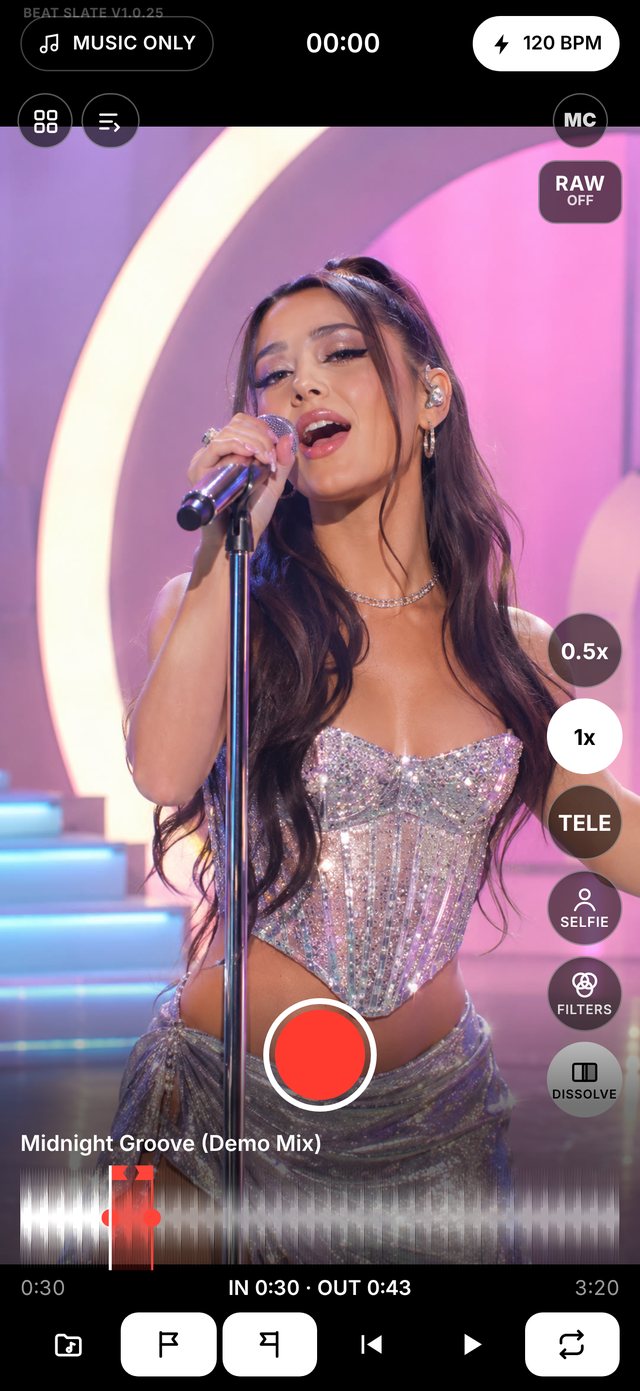
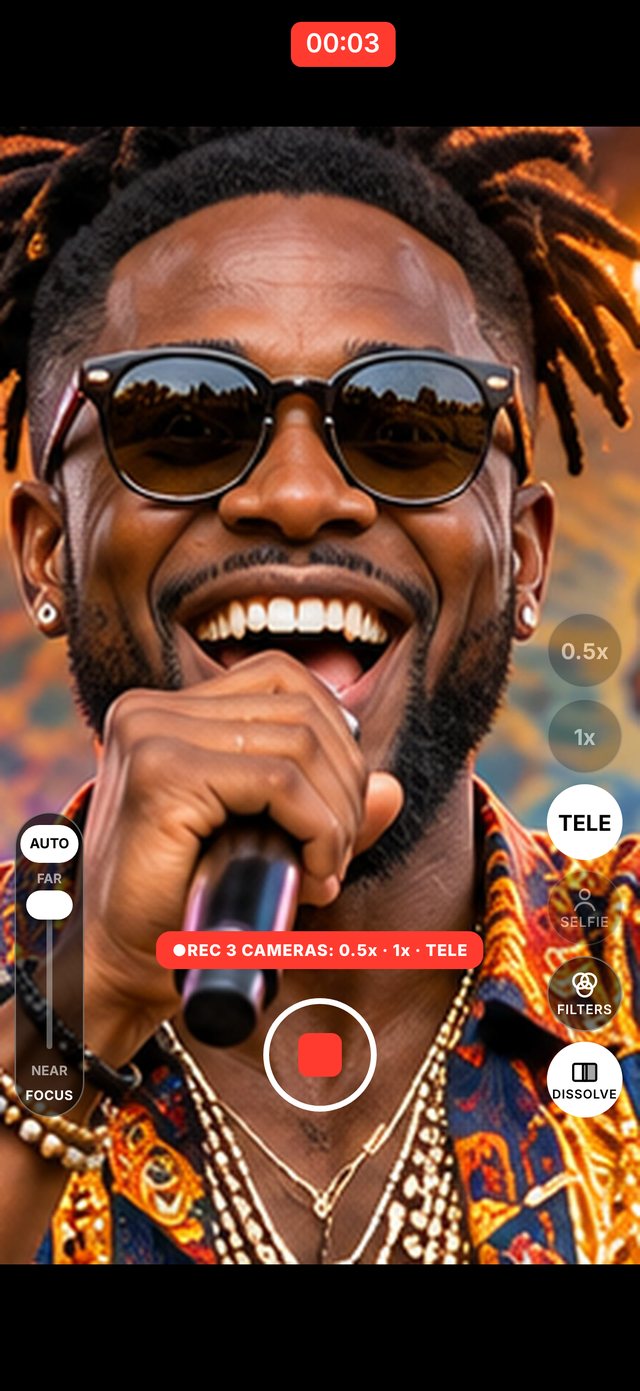
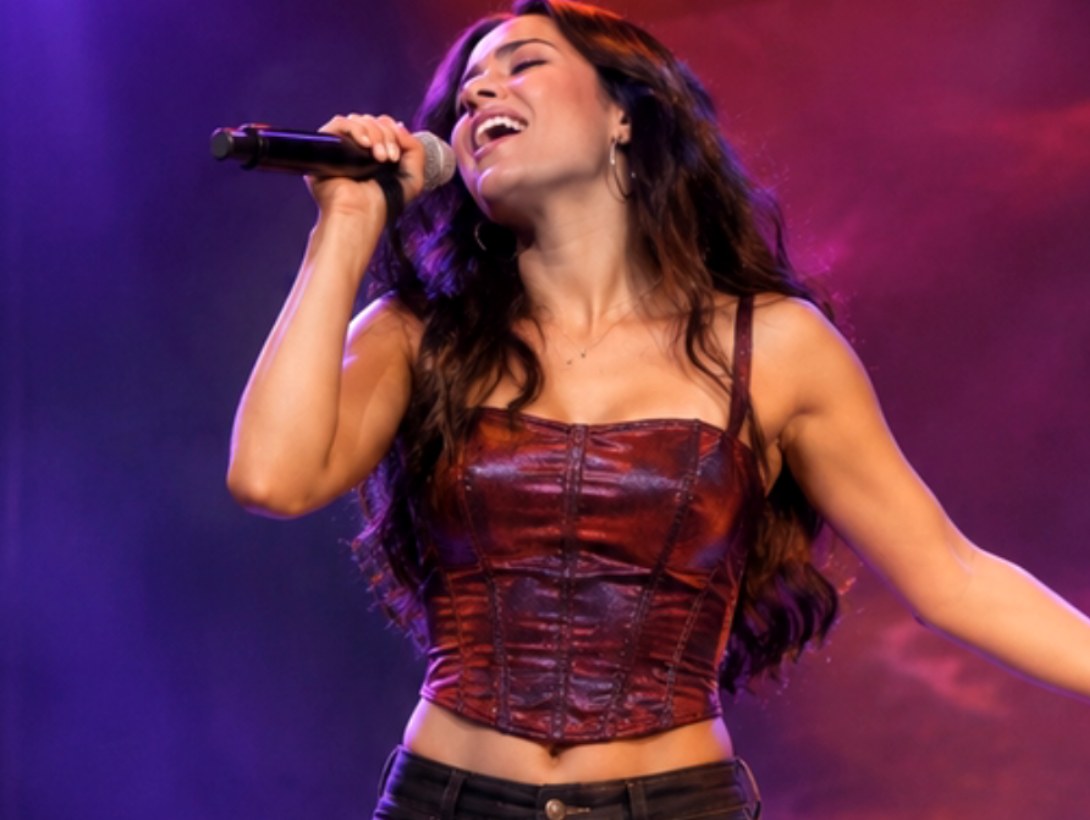
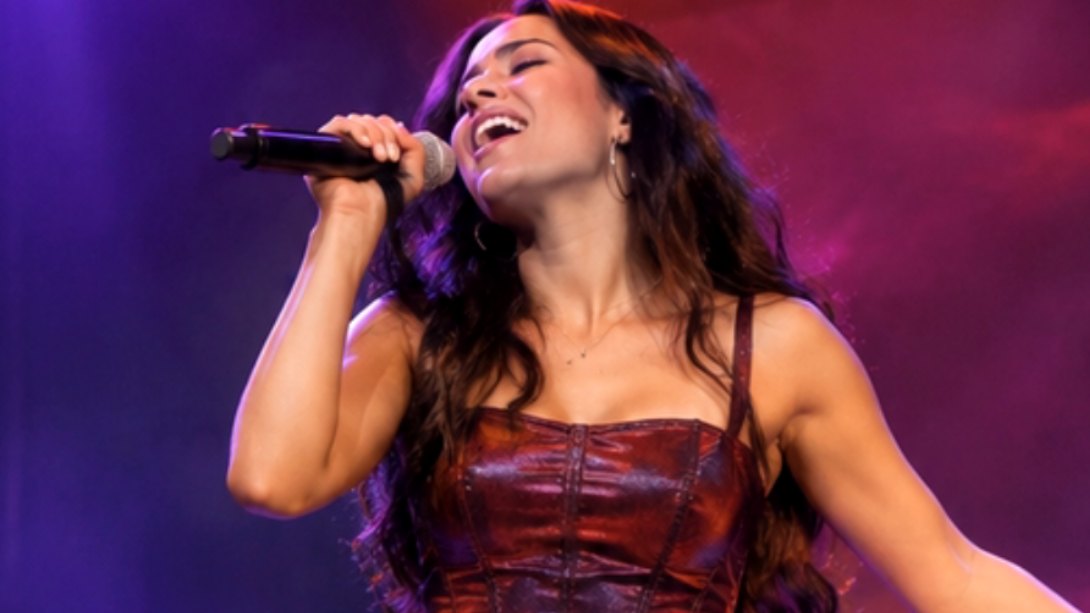

 M1 T1Take 1★M1 T2Take 2★M2 T1Take 1Midnight Groove · 1:04★M3 T1Take 1Midnight Groove · 2:10★
Tap anything to edit it.Toca cualquier cosa para editarla.
Tap a title, a picture or a clip, on the picture or on the timeline, and its own settings open. Move it, pinch to size it and twist it right on the picture.Toca un título, una imagen o un clip, en la imagen o en la línea de tiempo, y se abren sus ajustes. Muévelo, pellizca para cambiar su tamaño y gíralo sobre la imagen.
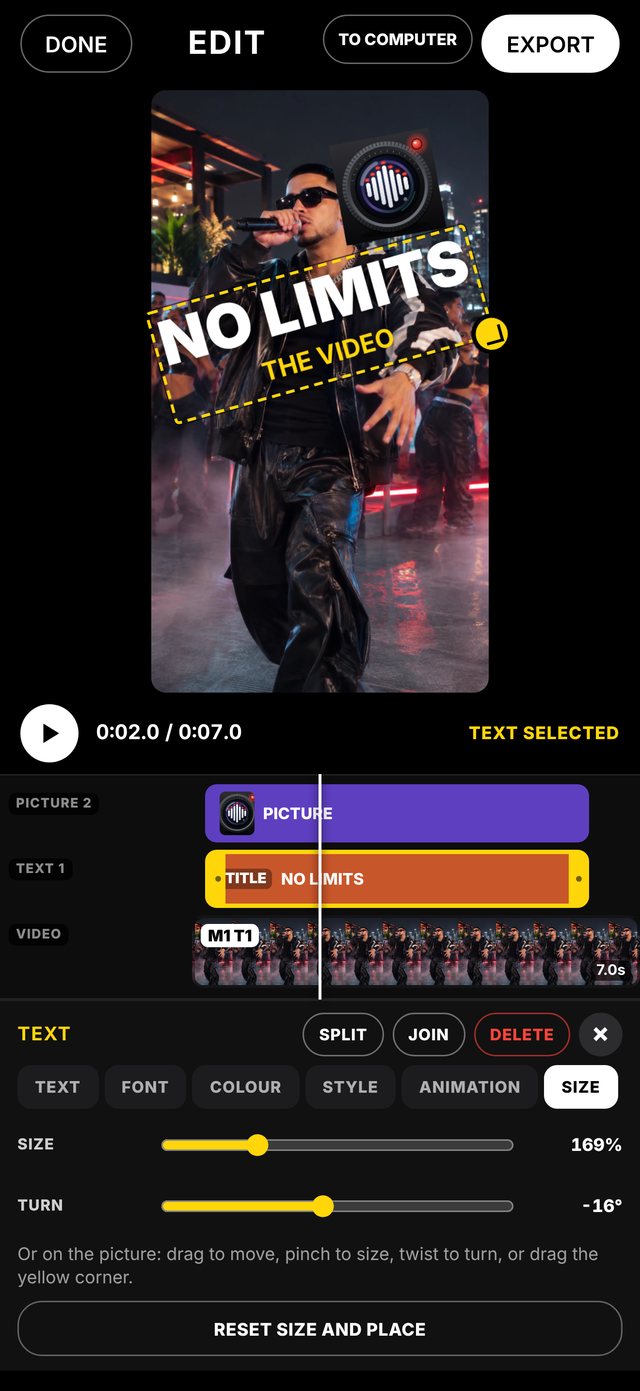
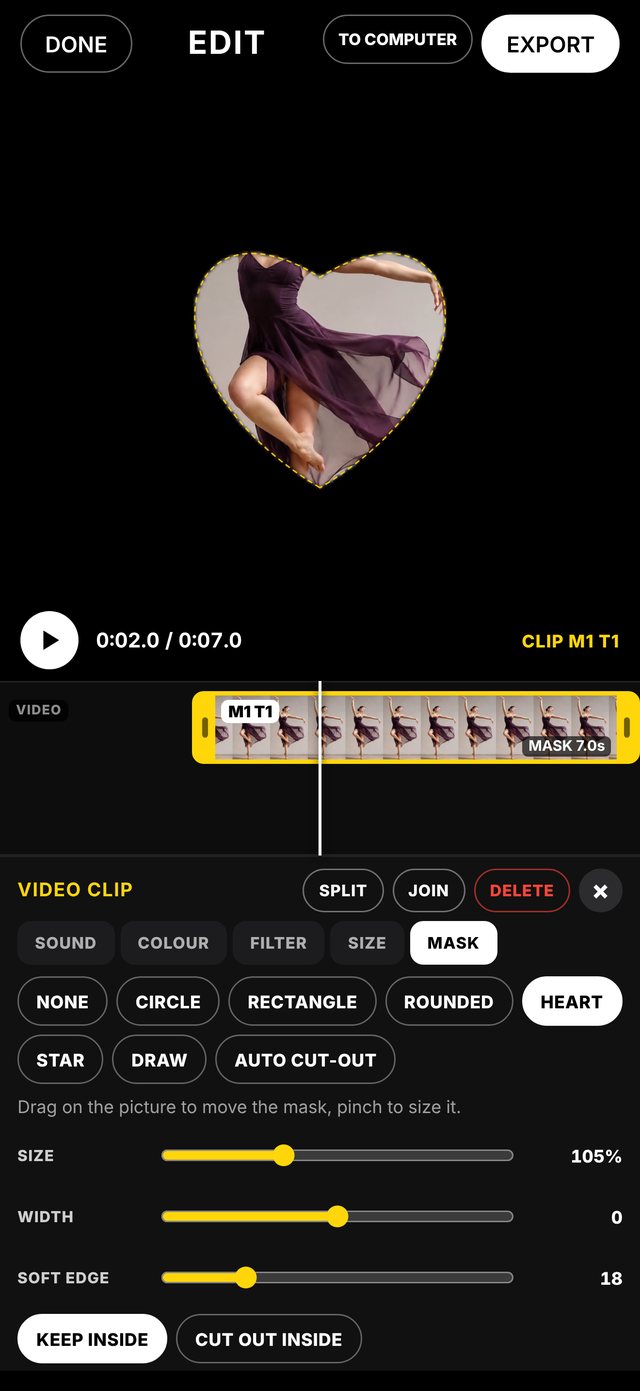
Edit on your iPhone.
Or online, on any computer.Edita en tu iPhone.
O en línea, en cualquier computadora.
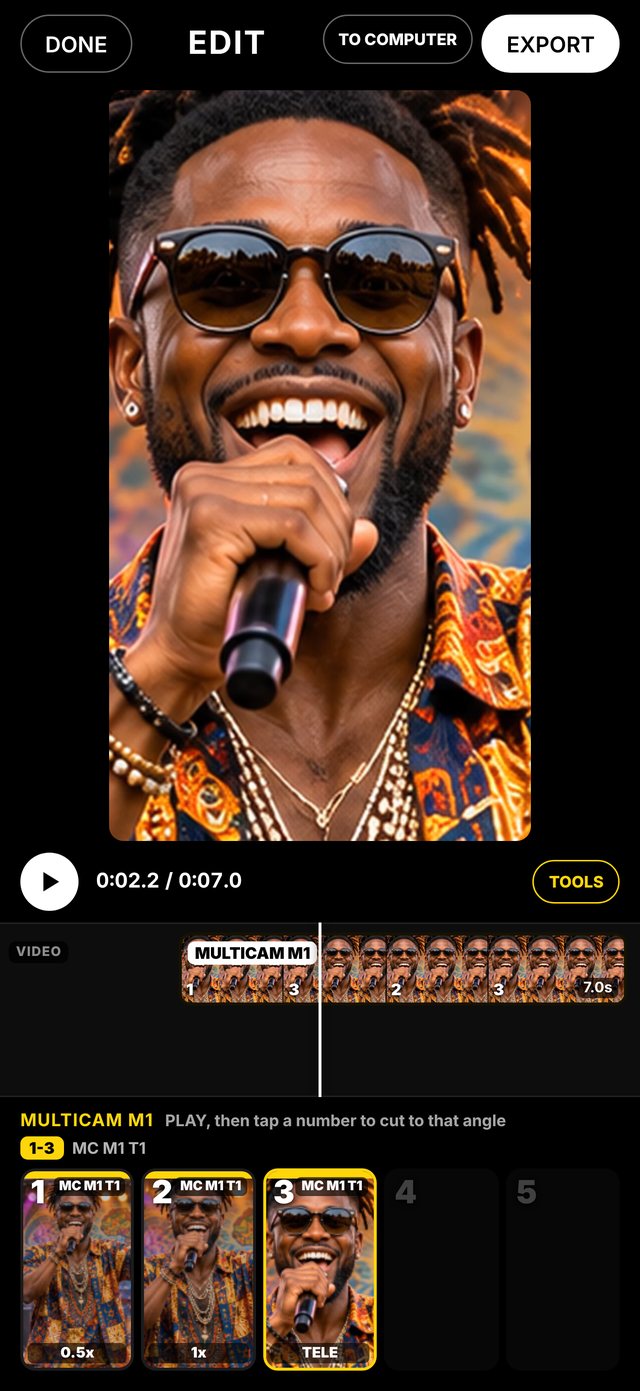
The same BEAT SLATE editor, in the app and at edit.tifa.club. Cut your multicam live, add titles and lower thirds, then export.El mismo editor de BEAT SLATE, en la app y en edit.tifa.club. Corta tu multicam en vivo, agrega títulos y rótulos, y exporta.
Cut your multicam live, like a TV director.Corta tu multicam en vivo, como un director de TV.
Pick your takes in order and GROUP AS MULTICAM: up to 9 angles, all lined up with the song. Press play and tap 1 to 9 to cut between angles while it plays.Escoge tus tomas en orden y toca GROUP AS MULTICAM: hasta 9 ángulos, todos alineados con la canción. Dale play y toca del 1 al 9 para cortar entre ángulos mientras suena.
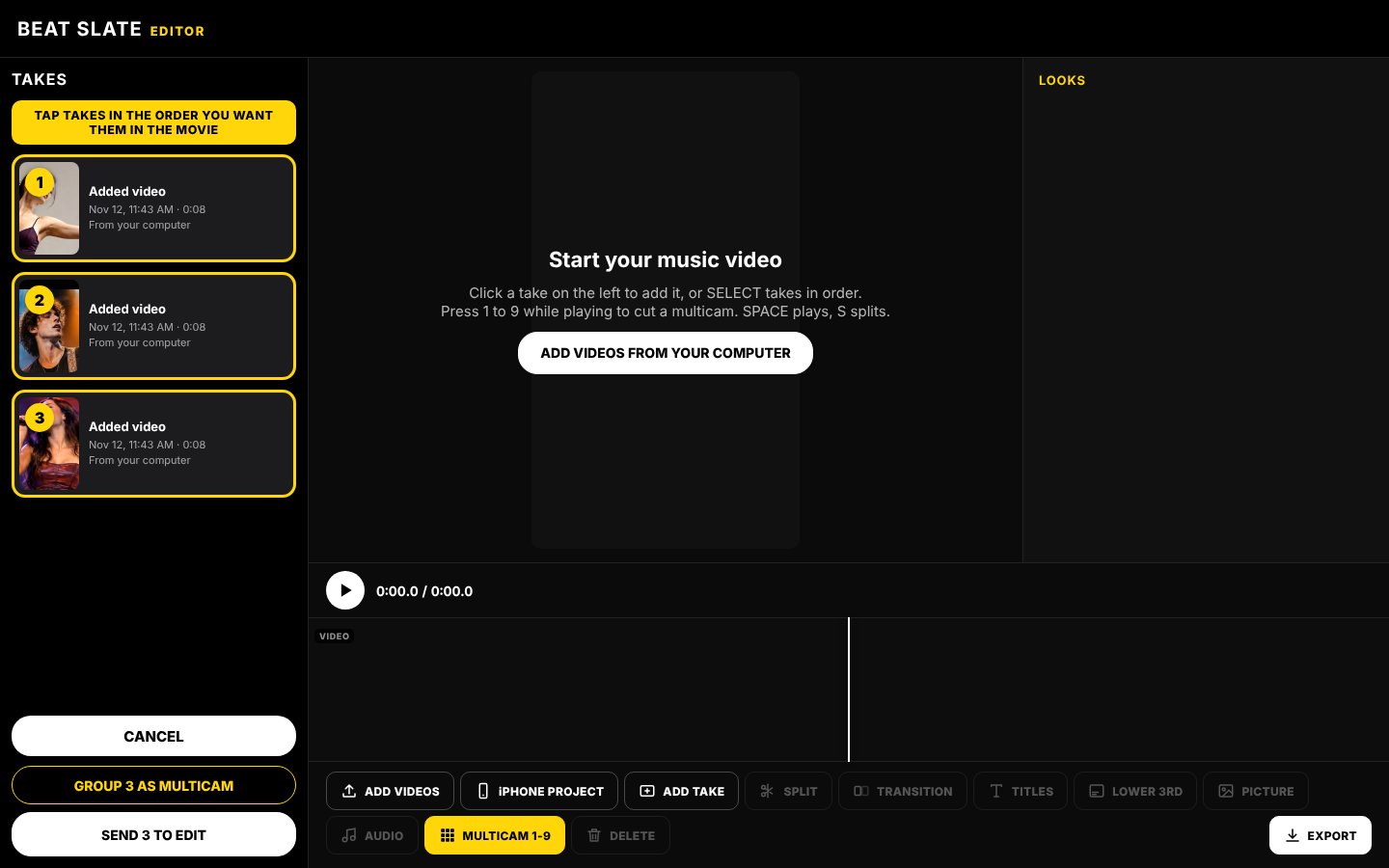
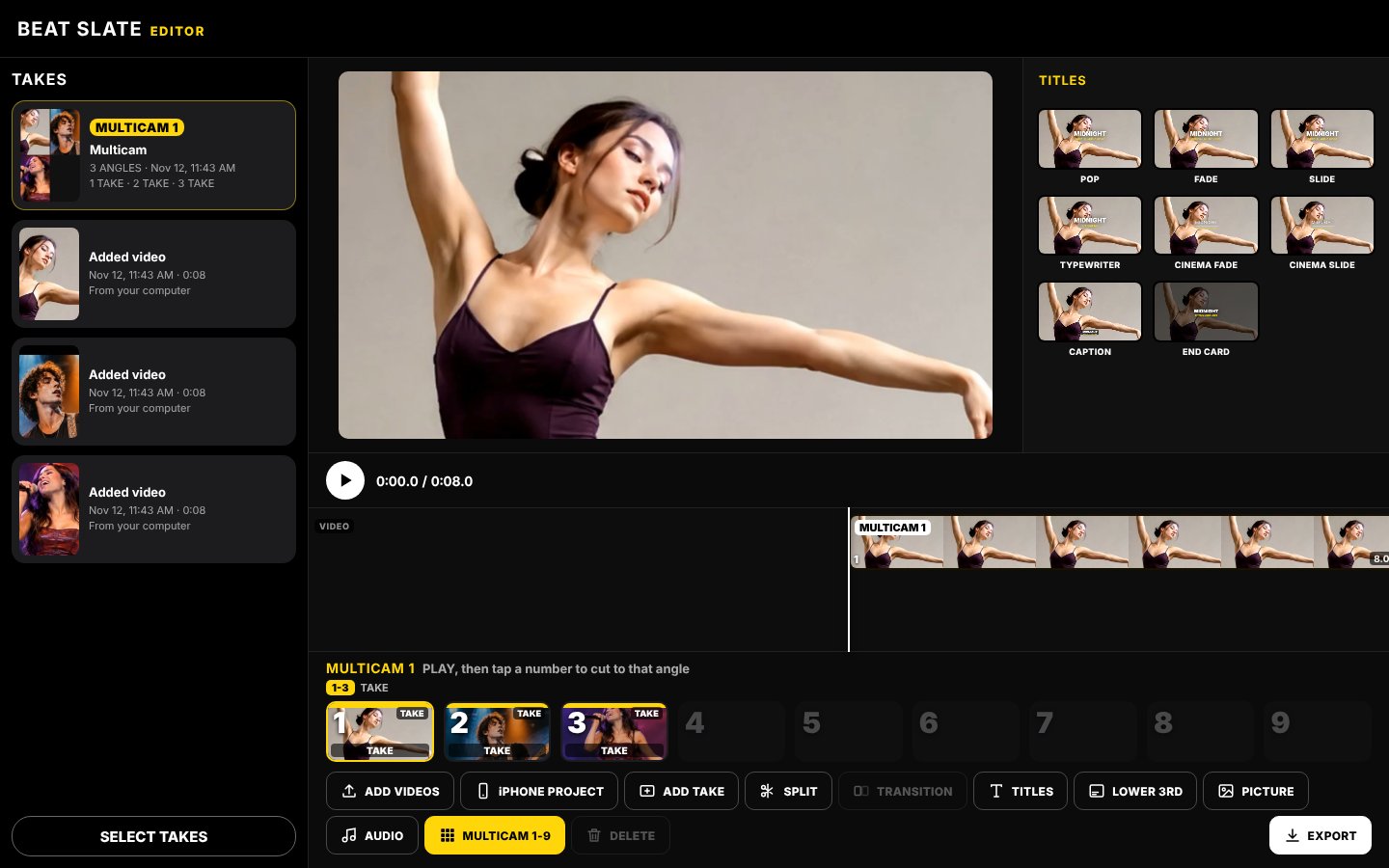
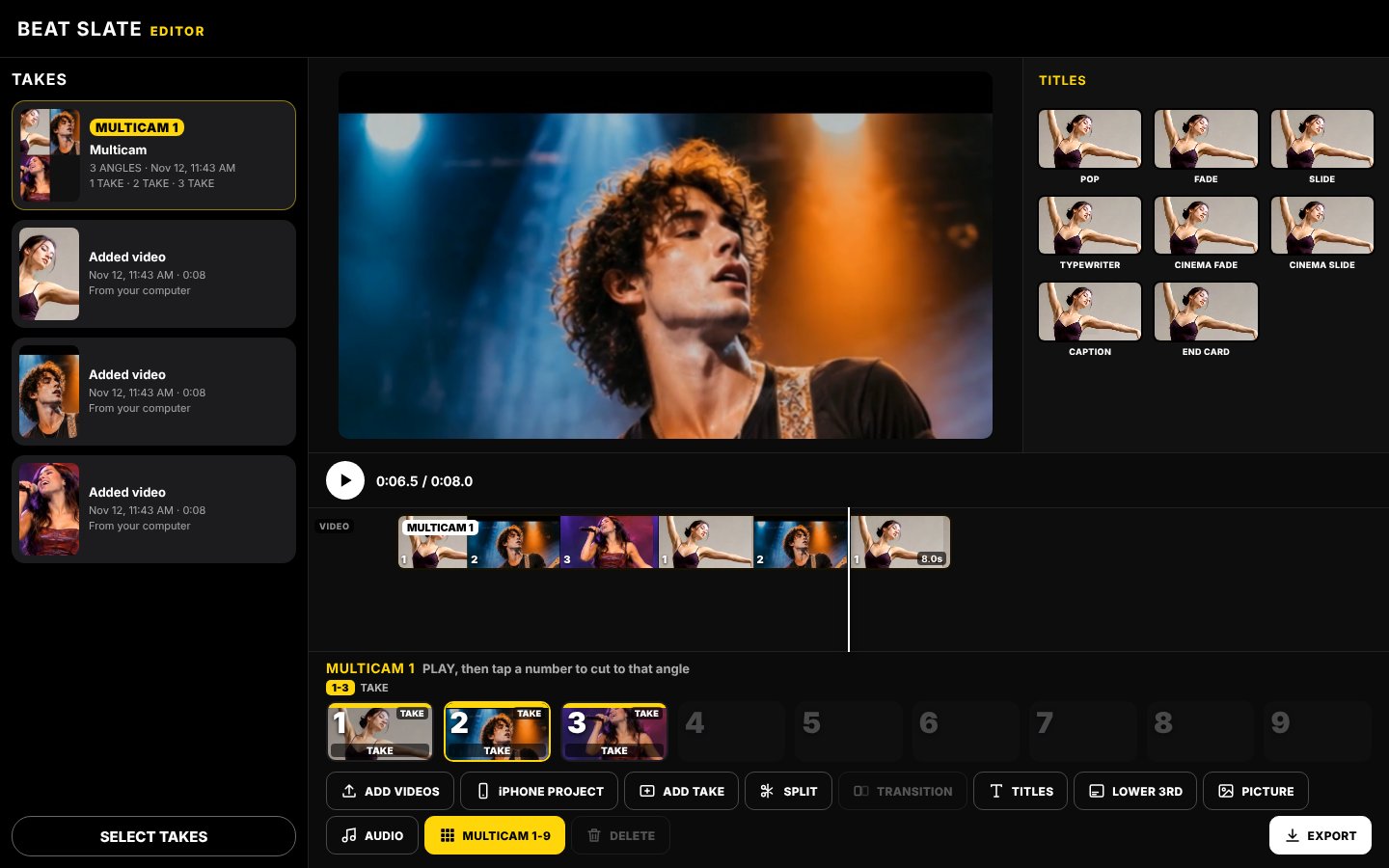
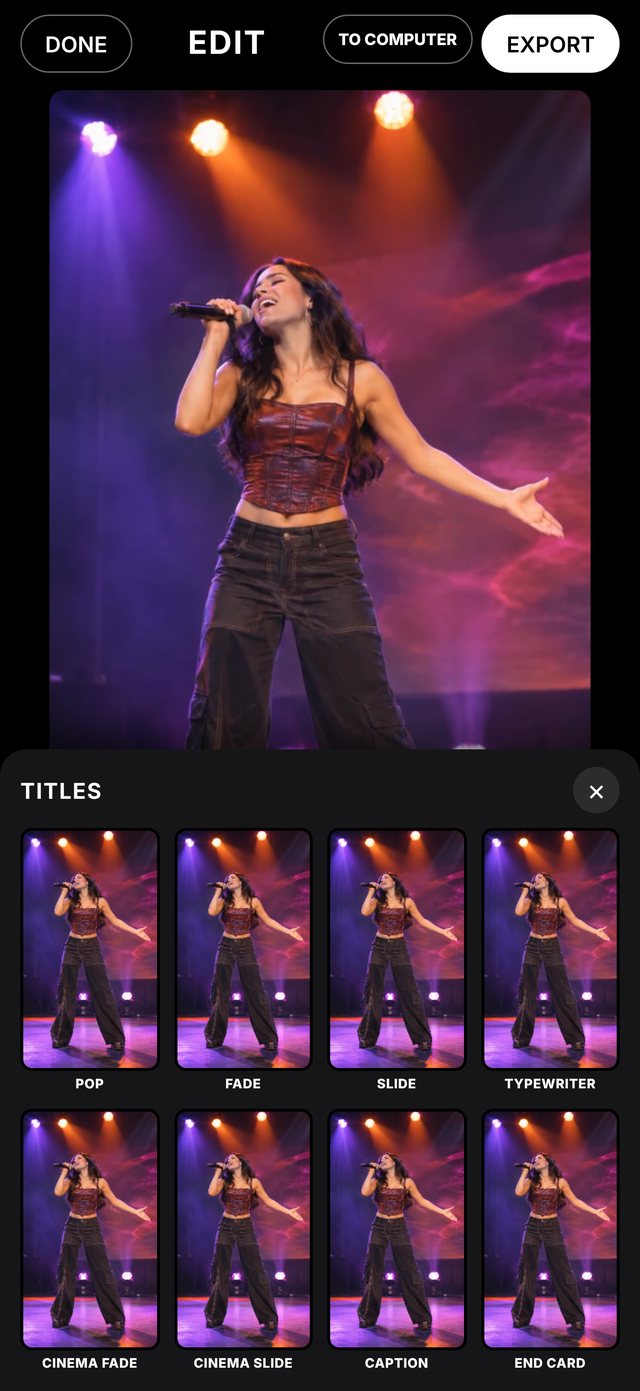
Animated titles and lower thirds.Títulos y rótulos animados.
16 animated styles. Each one shows a live preview of its animation before you pick it.16 estilos animados. Cada uno muestra cómo se mueve antes de escogerlo.
201 animated templates.
Pick one, type your words.201 plantillas animadas.
Escoge una, escribe tus palabras.
Titles, end credits, movie titles and credits, award show, TikTok, Instagram, Snapchat, YouTube, music awards and 70s TV. Every one moves in its preview, and every one exports in your video.Títulos, créditos finales, títulos y créditos de película, show de premios, TikTok, Instagram, Snapchat, YouTube, premios de música y TV de los 70. Cada una se mueve en su vista previa y todas se exportan en tu video.
It plays right on top of your take.Suena justo encima de tu toma.
Drop a template at the playhead, type the artist and the song, and press play. Change the template any time: your words stay.Pon una plantilla donde está el cursor, escribe el artista y la canción, y dale play. Cambia la plantilla cuando quieras: tus palabras se quedan.
Hold a take. Drag it up. It's a layer.Mantén una toma. Arrástrala arriba. Es una capa.
Video, pictures, text, templates and audio each sit on their own layer. Drag a take UP to put it on top, or DOWN to put it below, then size, turn and place it on the picture.Video, imágenes, texto, plantillas y audio van cada uno en su propia capa. Arrastra una toma ARRIBA para ponerla encima, o ABAJO para ponerla debajo, y luego cambia su tamaño, gírala y colócala en la imagen.
Pull the sound out of any take.Saca el sonido de cualquier toma.
SEPARATE AUDIO puts a take's sound on its own audio line, in sync. The video goes quiet, and the sound can be moved, trimmed and faded on its own.SEPARAR AUDIO pone el sonido de una toma en su propia línea de audio, sincronizado. El video queda en silencio y el sonido se puede mover, recortar y desvanecer por separado.
Everything to finish your video.Todo para terminar tu video.
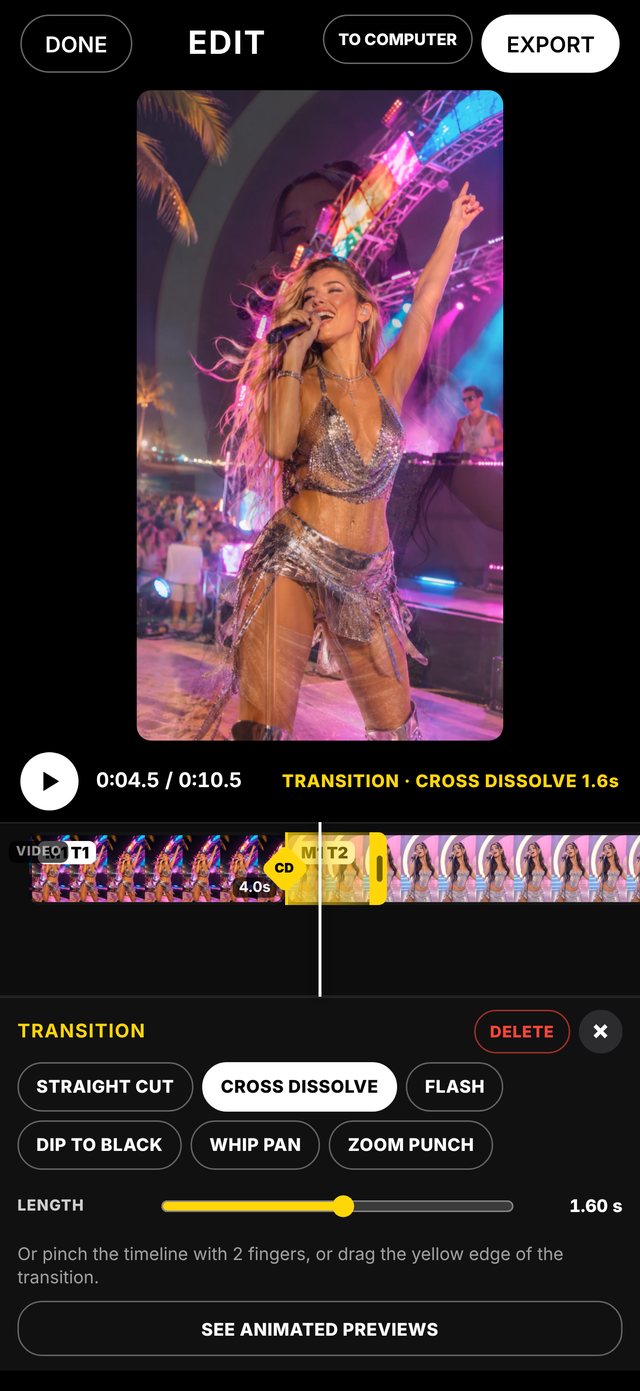
The editor on your computer.El editor en tu computadora.
Works in any computer browser: Mac or Windows, Chrome, Safari or Edge. Nothing to install.Funciona en cualquier navegador de computadora: Mac o Windows, Chrome, Safari o Edge. Nada que instalar.
Free to try. Full when you're ready.Gratis para probar. Completo cuando quieras.
One plan for the iPhone app and the editor on your computer.Un solo plan para la app del iPhone y el editor en tu computadora.